
Blog · · By Matt Senter
Weatherling 1.6: Sync or invert local weather, now with fog
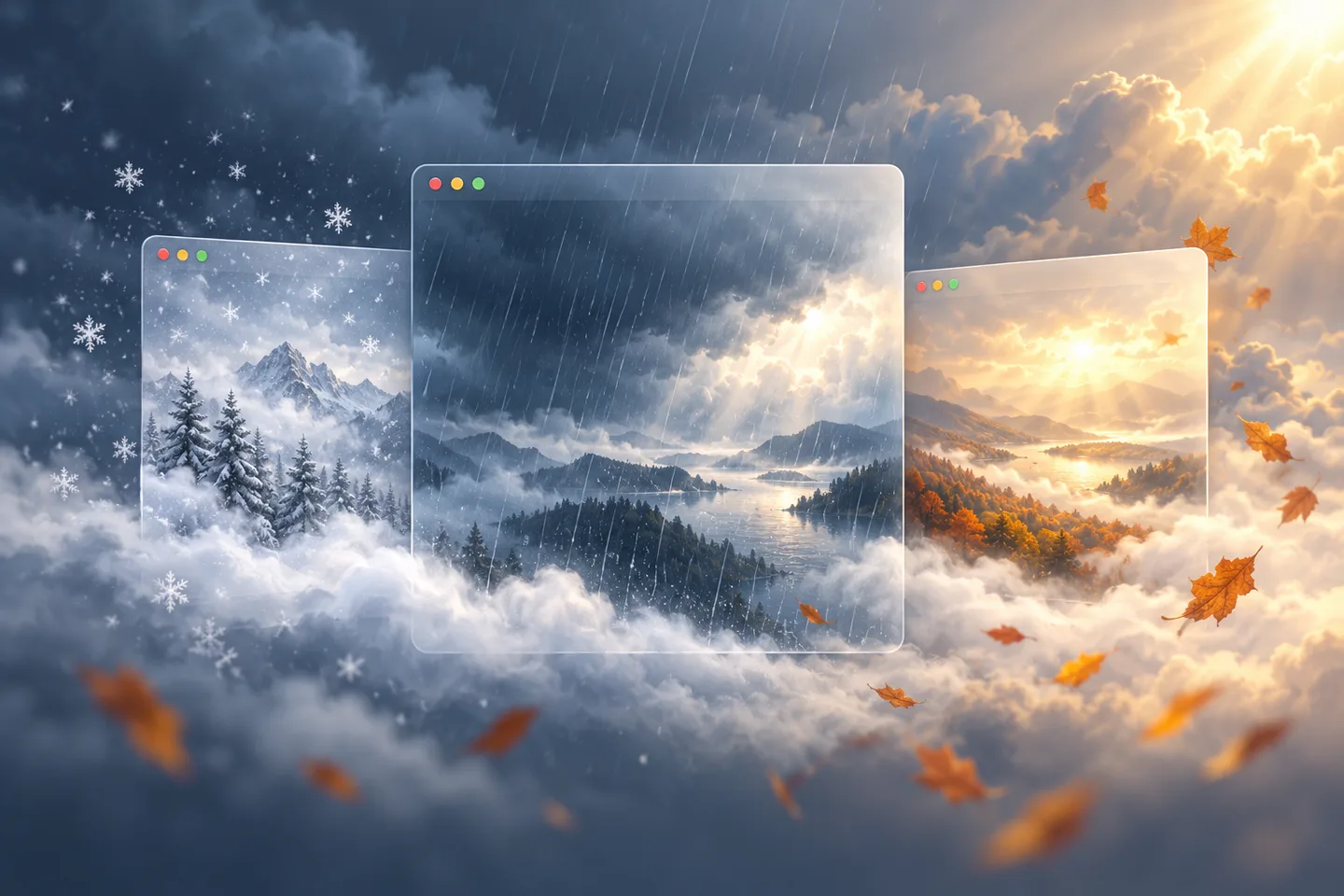
A rainy morning outside can now become a rainy morning among your windows. Weatherling 1.6 brings your local weather to your desktop, with rolling fog, full VoiceOver support, and a little more room to make it your own.
Bring the outside in
Choose a city or use your current location, then let Apple Weather set the mood. Rain, snow, sunlight, fog, and wind follow the conditions outside. Want the opposite? Invert the weather. Prefer your own forecast? Adjust a slider and syncing pauses for you.
Let the fog roll in
Fog drifts through your desktop with its own slider and Random setting. Keep it gentle, let it change on its own, or mix it with your favorite weather for a quieter view between tasks.
Made for VoiceOver
Weatherling 1.6 works fully with VoiceOver. Every control in the menu bar panel and Settings has a clear label, so you can pick the weather, turn on syncing, and change any setting without looking at the screen. Lings are included too: turn on Collect without dragging in Settings > Accessibility to pick up a visiting Ling and place it in a box with buttons instead of a drag. It turns on by itself whenever VoiceOver is running, and score cards describe your collection for VoiceOver.
It joins the rest of the Accessibility pane: descriptive box labels such as Green and Gold, so you never have to rely on color, and a choice of whether the weather keeps running when Reduce Motion is on in System Settings.
Make yourself comfortable
The redesigned menu bar panel keeps every weather slider within reach. Automatic smoothness adapts to each display, and the new Help pane is there whenever you need a hand.
Update and enjoy the weather
Update to 1.6 from the App Store. Everything is included in your existing purchase, with no subscription or in-app purchases. Thank you for making a little room for Weatherling on your desktop.
Enjoy the weather.