
Blog · · Updated · By Matt Senter
Rain Behind Your Windows, No Screen Recording Needed
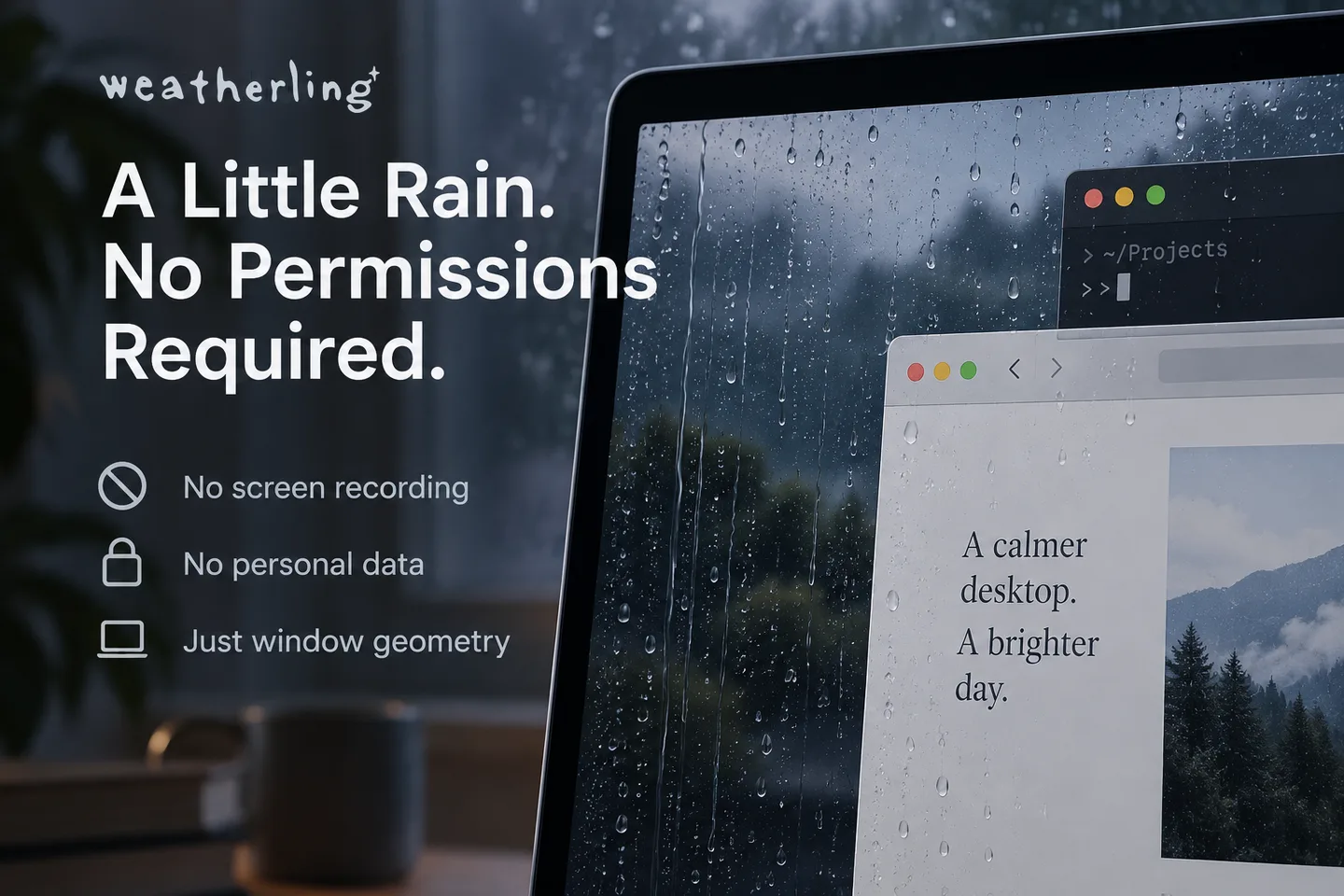
Weatherling does not need Screen Recording or Accessibility permission to put rain behind your windows. It never sees what is on your screen. It works from the outline of each window, which macOS shares with every app, and it runs inside Apple’s App Sandbox. It goes online only if you turn on the optional weather sync or Game Center, and asks for your location only if you choose to use it for sync.
That can sound too good to be true. When you watch a drop land on a title bar, run down the side, and slip behind the window in front, it is reasonable to wonder how the app knows what is on your screen. The short answer is that it doesn’t. It knows where things are, and that turns out to be all the rain needs.
Window geometry, not window contents
Every Mac app can ask macOS for a list of the windows currently on screen. Weatherling does this through CGWindowListCopyWindowInfo, the same public call that window managers and screenshot tools start from. For each window it reads five things and nothing else:
- Bounds. Where the window sits and how big it is.
- Layer. Whether it is an ordinary window, a menu, or part of the system UI.
- Alpha. Whether it is actually visible or fully transparent.
- Window number. An ID, so a window can be followed as it moves.
- Owner process ID. A number, used only to tell Weatherling’s own windows from yours.
The list comes back in front-to-back order, which is the other half of the trick. A drop that falls past the edge of a front window and lands on one further back is simply a drop checked against the next outline in the list. That is how rain can fall in front of one window and behind another without the app ever seeing a pixel of either.
The same list also offers a window’s title, the name of the app that owns it, and whether it is being shared. Weatherling never reads those fields. The rain has no use for them, and leaving them alone is part of why no permission is involved.
Why window titles would need Screen Recording
Since macOS Catalina, the title of another app’s window counts as screen content. A title can hold the subject of an email, the name of a document, or the page you are reading, so macOS only hands titles to apps you have allowed under Screen Recording. Without that permission the title field simply comes back empty.
That line is the whole design constraint. An app that wanted to behave differently for your mail than for your code editor would need titles or screen captures, and would have to ask. Weatherling doesn’t care what a window is, only where it is, so it stays on the side of the line that needs no prompt. There is no Accessibility request either, because nothing is read from inside other apps and nothing controls them. No keyboard monitoring, no input access, no automation.
Sandboxed, with little added
Mac App Store apps run in Apple’s App Sandbox, and they declare anything extra they want through entitlements: network access, the camera, files outside their own container, and so on. Weatherling declares com.apple.security.app-sandbox and com.apple.security.files.user-selected.read-write. The latter allows saving a score card to a file you choose in the Save dialog. Since version 1.6 it also declares outgoing network connections and location, both used only by the optional Sync with Your Weather, and since version 1.7 Game Center, used only if you turn it on. (Apple’s code signing also stamps every App Store app with its app and team identifiers, which grant nothing.)
The absence matters as much as the presence. A sandboxed app cannot open an outgoing connection without the network client entitlement, and until version 1.6 Weatherling did not have it. It has it now only to look up the weather when you turn on syncing, and with syncing and Game Center off it makes no network requests. There is no account, no analytics, and no crash reporting service. Settings such as rain intensity and wind live in the app’s own sandboxed storage on your Mac.
Rain sound works the same way. The recording ships inside the app, and when you are on a call, the rain fades out. Weatherling notices the call by checking whether any app is using the microphone, a yes or no that macOS reports about the device. It never opens the microphone, captures audio, or asks for microphone access.
Check it yourself
You don’t have to take any of this on trust. Three checks take about a minute:
- Open System Settings, Privacy & Security, then Screen Recording (called Screen & System Audio Recording on newer versions of macOS). Weatherling is not in the list, because it has never asked.
- Check Accessibility and Microphone in the same section. It is not in either.
- In Terminal, run
codesign -d --entitlements - /Applications/Weatherling.app. Apart from the app and team identifiers that Apple’s signing adds to every App Store app, the entitlements are App Sandbox, user-selected file access for saving score cards, and, since 1.6, outgoing network connections, location, and WeatherKit for the optional weather sync, plus Game Center since 1.7. Location is used only if you choose your Mac’s location instead of typing a place, and macOS asks you first.
If a future version ever needed more, you would see a prompt first. macOS does not let an app acquire any of these quietly.
What it costs to watch windows
Reading the window list is cheap. Weatherling asks for it about ten times a second while your windows are still, and briefly faster while something is moving, so the water follows a window you drag instead of lagging behind it. Nothing is stored between checks except the outlines themselves, and they are gone the moment the window closes.
A desktop decoration shouldn’t come with a privacy negotiation. Turn on the rain, set it to your mood, and get back to whatever you were doing. Weatherling doesn’t need to know what that is.
You can try the behavior without installing anything on the home page, where the draggable windows are a browser version of the same idea. The details of what the app does and does not store are in the privacy policy, and why any of this is worth doing is in Why Rain on Your Desktop Can Feel Calming.